URL Encoding 101: What Every Developer Should Know
Understanding percent-encoding. Learn why spaces become %20 and how to encode/decode URLs correctly.
URL Encoding: Handling Special Characters in Web Addresses
Every time you see a URL with %20, %3A, or a string of percent-encoded gibberish, you're looking at URL encoding in action. Modern web applications pass a staggering amount of data through URLs — query parameters, form submissions, API endpoints, and navigation paths all rely on a limited set of safe characters. Understanding how URL encoding works, when it's needed, and how different programming languages handle it is essential for building robust web applications.
What Is URL Encoding and Why Does It Matter?
URL encoding, also known as percent-encoding, is a mechanism for encoding information in a Uniform Resource Identifier (URI) under certain circumstances. The core problem is simple: URLs have a restricted character set. Characters like spaces, slashes, ampersands, and question marks have special meanings in URLs and cannot appear literally in certain positions.
The encoding scheme replaces unsafe ASCII characters with a percent sign (%) followed by two hexadecimal digits representing the character's byte value. For example, a space (ASCII 32, hex 20) becomes %20, a colon (ASCII 58, hex 3A) becomes %3A, and a forward slash (ASCII 47, hex 2F) becomes %2F when it appears in path segments where it would otherwise act as a separator.
| Character | ASCII Code | Encoded Form | Common Context |
|---|---|---|---|
| Space | 32 (0x20) | %20 | Query parameters, paths |
| & | 38 (0x26) | %26 | Query parameters (parameter separator) |
| = | 61 (0x3D) | %3D | Query parameters (key=value separator) |
| ? | 63 (0x3F) | %3F | Query string start |
| # | 35 (0x23) | %23 | Fragment identifier |
| / | 47 (0x2F) | %2F | Path segments |
| % | 37 (0x25) | %25 | Encoding the percent sign itself |
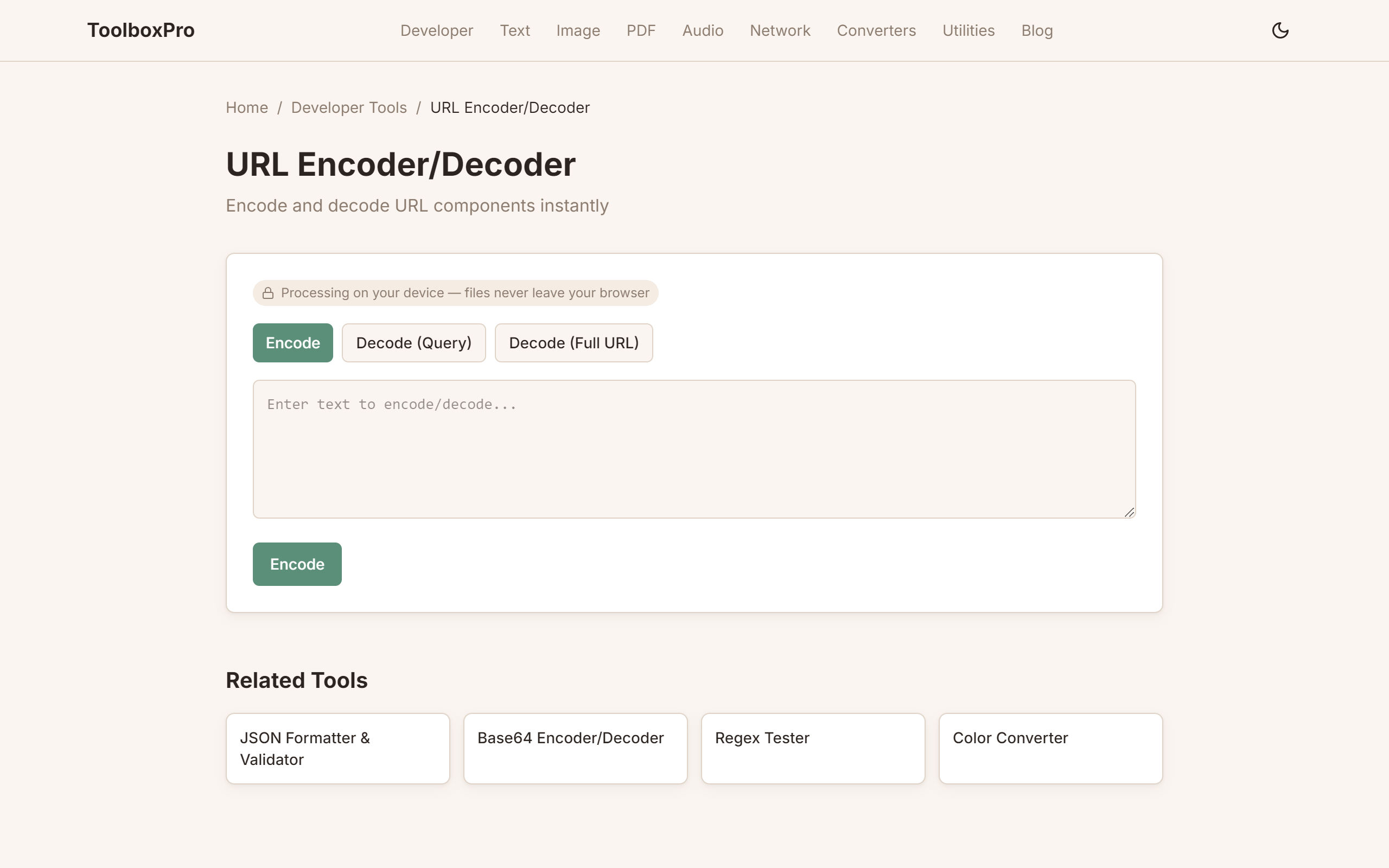
You can encode or decode any string at /tools/url-encoder-decoder — a fast online tool that handles edge cases like Unicode characters and mixed encoding.
Reserved Characters vs. Unreserved Characters
The URI specification (RFC 3986) divides characters into three categories:
Unreserved characters can always be used literally in URLs: A-Z, a-z, 0-9, hyphen (-), underscore (_), period (.), and tilde (~). These never need encoding.
Reserved characters have special syntactic meaning in specific URL components: colon (:), slash (/), question mark (?), hash (#), square brackets ([ ]), at sign (@), exclamation mark (!), dollar sign ($), ampersand (&), apostrophe ('), parentheses (( )), asterisk (*), plus (+), comma (,), semicolon (;), and equals (=). These should only be encoded when they appear in a context where they don't have their reserved meaning — or always encoded in user-provided values to be safe.
Other characters — spaces, non-ASCII characters, and control characters — must always be percent-encoded in URLs.
The nuance that trips up most developers: the same character may or may not need encoding depending on where it appears. A forward slash (/) in the path portion indicates hierarchy and should not be encoded, but the same character in a query parameter value must be encoded as %2F, otherwise it would be interpreted as a path separator.
| Component | Can Contain / Literally? | Can Contain ? Literally? | Can Contain & Literally? |
|---|---|---|---|
| Scheme (https://) | No | No | No |
| Authority (domain.com) | No | No | No |
| Path (/path/to/page) | Yes (as separator) | No | No |
| Query (?key=value) | No (encode as %2F) | No (encode as %3F) | No (encode as %26) |
| Fragment (#section) | No | No | No |
URL Encoding in Different Programming Languages
Every major language provides built-in functions for URL encoding, but the behavior varies in important ways. Here's a practical comparison:
JavaScript (Browser):
Python:
PHP:
| Language | Function | Space Encoding | Best For |
|---|---|---|---|
| JavaScript | encodeURIComponent() | %20 | Query parameter values |
| JavaScript | encodeURI() | %20 | Full URIs (safe) |
| Python | urllib.parse.quote() | %20 | Path segments |
| Python | urllib.parse.quote_plus() | + | Form data |
| PHP | urlencode() | + | Form-style query strings |
| PHP | rawurlencode() | %20 | RFC 3986 compliance |
The key takeaway: always use the context-appropriate encoding function. A common bug is using \encodeURI()\ when you need \encodeURIComponent()\ — the former won't encode characters like & or =, leading to broken query parameters.
Common URL Encoding Pitfalls and How to Debug Them
Even experienced developers run into URL encoding issues. Here are the most frequent problems and how to identify them:
Double encoding. This happens when a URL is encoded twice — once by you and once by a framework or library. If you see \%2520\ (where %25 is the encoding of %, followed by 20), you've been double-encoded. The fix: encode only at the last possible moment, or decode before re-encoding.
Missing encoding of user input. Any data coming from user input (search fields, forms, API parameters) that goes into a URL must be encoded. Failing to do so can cause malformed requests and security issues like parameter injection.
Unicode and international characters. Non-ASCII characters must first be encoded as UTF-8 bytes, then each byte percent-encoded. For example, the character é (U+00E9) becomes %C3%A9 in UTF-8 percent-encoding. The specification mandate is UTF-8, not any other encoding.
Inconsistent encoding between client and server. If your frontend sends data URL-encoded one way and the backend expects another (e.g., + vs %20 for spaces), requests can silently fail. Always check both ends agree on the encoding scheme.
For quick debugging, use /tools/url-encoder-decoder to paste a problematic URL and see exactly how each character is encoded. You can toggle between encode and decode modes to trace where double encoding or missing encoding is occurring.
FAQ
Q: What's the difference between URL encoding and HTML encoding?
A: URL encoding (percent-encoding) uses % followed by hex digits to encode characters in URLs. HTML encoding uses &entity; or &#code; syntax to encode characters in HTML documents. They serve different purposes — URLs vs. HTML content — and should not be confused or used interchangeably.
Q: Should I encode the entire URL or just the parameters?
A: Only encode the variable parts — query parameter names and values, path segments that contain user data, or fragments. Never encode the protocol (https://), domain, or structural characters that define the URL itself.
Q: Why do spaces sometimes become %20 and sometimes +?
A: In query strings (application/x-www-form-urlencoded format, legacy from HTML forms), spaces are encoded as +. In path segments and in RFC 3986 standard URL encoding, spaces are encoded as %20. Modern APIs prefer %20 for consistency.
Q: How do I handle special characters in a URL fragment (#)?
A: The fragment (everything after #) should be encoded using encodeURIComponent() in JavaScript or the equivalent in your language. The # itself must be encoded as %23 if it's part of a path or query value, not a fragment delimiter.
Q: Does URL encoding affect SEO?
A: Yes. URLs with readable words are preferred over encoded strings. For example, \/search?q=hello+world\ is better than \/search?q=%68%65%6C%6C%6F\. Use encoding only for truly special characters, and consider URL slugs that avoid special characters altogether.
Q: What happens if I don't URL-encode a parameter value?
A: The URL may be parsed incorrectly. A value containing & would be interpreted as a new parameter, a # would cut off the rest of the URL, and a space could cause the HTTP request to fail entirely. Always encode user-provided values.
Q: Can I test URL encoding without writing code?
A: Absolutely. Use /tools/url-encoder-decoder to instantly encode or decode any URL string. It's a quick way to verify what your application is sending or receiving without firing up a debugger.
Try it yourself with our free online tool:
Try URL Encoding 101: What Every Developer Should Know →