Base64 Encoding Explained — When and Why to Use It
A complete guide to Base64 encoding and decoding. Learn what it is, how it works, and when to use it in your projects.
Base64 Encoding: When to Use It and Why It's Not Encryption
Base64 encoding is one of those fundamental tools every developer encounters — whether embedding images in HTML, transmitting binary data in JSON, or handling authentication headers. Yet despite its ubiquity, Base64 is frequently misunderstood, often mistaken for encryption, and sometimes used in places it doesn't belong. This post breaks down exactly what Base64 is, when you should reach for it, and the critical distinction between encoding and encryption.
What Is Base64 and How Does It Work?
Base64 is a binary-to-text encoding scheme that represents binary data using a set of 64 printable ASCII characters: A-Z, a-z, 0-9, +, and /. It works by taking three bytes (24 bits) of input data and converting them into four Base64 characters (6 bits each). This is why Base64 introduces a predictable 33% overhead — every 3 bytes of input becomes 4 characters of output.
The process is straightforward: the input bytes are concatenated into a single binary stream, split into 6-bit groups, and each 6-bit value (0-63) is mapped to a character from the Base64 alphabet. If the input length isn't divisible by 3, padding characters (= or ==) are added to make the output a multiple of 4 characters.
| Aspect | Base64 Encoding | Base64 Decoding |
|---|---|---|
| Direction | Binary → ASCII text | ASCII text → Binary |
| Overhead | +33% | None (input/output same size) |
| Key Requirement | None (anyone can decode) | None (anyone can decode) |
| Use Case | Transmission over text-safe protocols | Restoring original binary data |
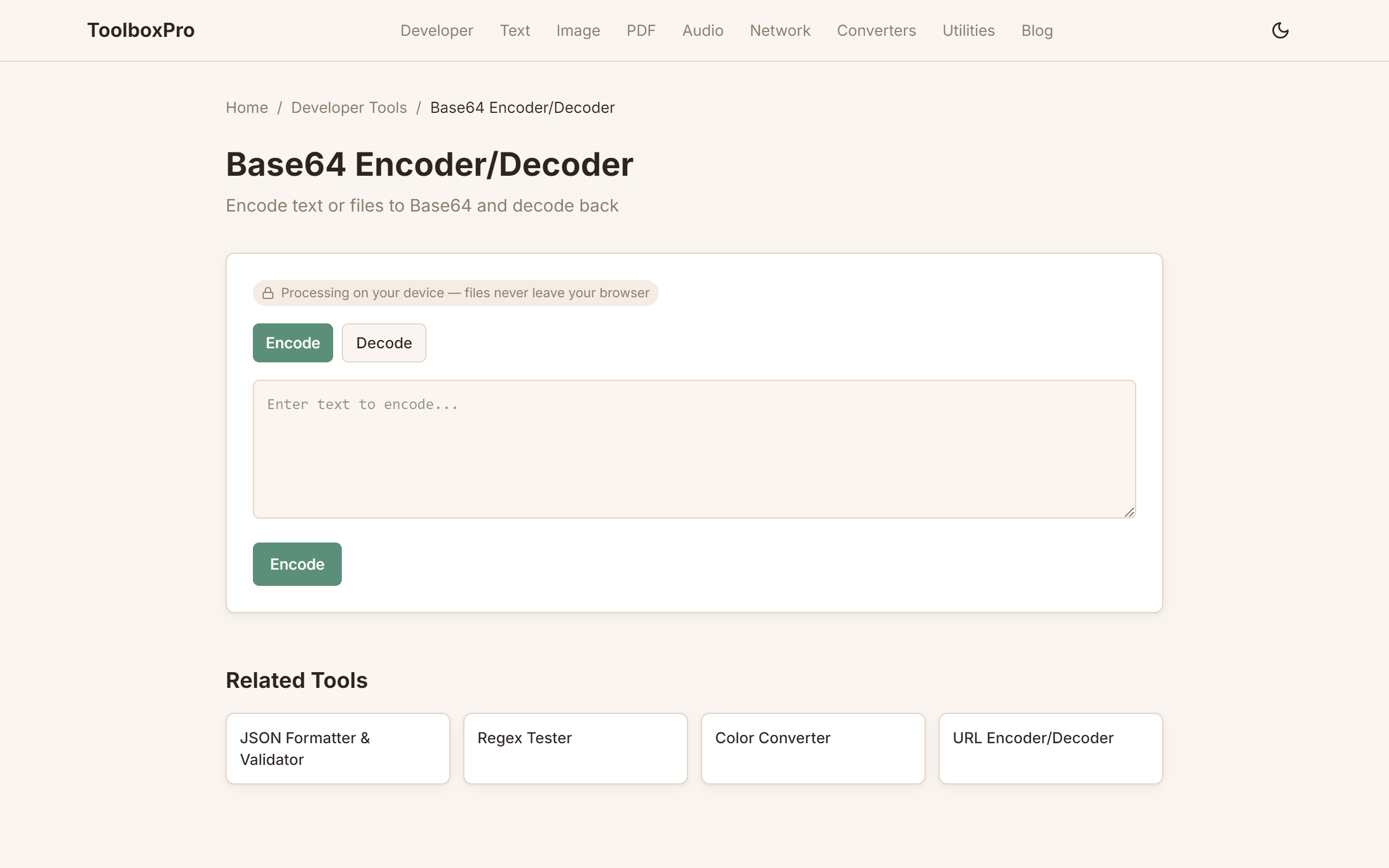
You can experiment with encoding and decoding any string or file at /tools/base64-encode-decode — a handy online tool that shows both the encode and decode results side by side.
Encoding vs. Encryption: A Critical Distinction
This is the most common misconception about Base64. Encoding is not encryption. Here's the difference:
The practical implication is significant: storing passwords, API keys, or personal data in Base64 is not a security measure. It is the equivalent of writing your password in a different language — anyone who recognizes the encoding can read it instantly. If you need to protect data, use proper encryption libraries, not Base64.
| Property | Base64 Encoding | AES-256 Encryption |
|---|---|---|
| Key Required | No | Yes (256-bit key) |
| Reversible by anyone | Yes | No (without key) |
| Security guarantee | None | Confidentiality |
| Common misconception | "It's encrypted" | "It's too slow" |
| Industry use | Data transport | Data protection |
If you're working with encrypted data and need to transmit it safely over a text-only channel, you might combine both — encrypt first with AES, then Base64-encode the ciphertext. But never skip the encryption step.
When to Use Base64 (and When Not To)
Base64 has clear strengths and equally clear limitations. Here's a pragmatic guide:
When Base64 makes sense:
When Base64 is the wrong choice:
The practical takeaway: Base64 is a data transport tool, not a security one. Use it when you need to fit binary data into a text pipeline, and skip it otherwise. Try encoding your own test data at /tools/base64-encode-decode to see the overhead in action and get comfortable with the output format.
Common Pitfalls and Best Practices
Even experienced developers trip over some Base64 nuances. Here are the most frequent issues and how to handle them:
For most projects, stick with the standard library's Base64 functions — they are thoroughly tested and handle edge cases. Only reach for custom implementations when you need a specific variant like Base64URL, Base64 for IMAP, or a custom alphabet.
FAQ
Q: Is Base64 encoding secure?
A: No. Base64 provides no security whatsoever. It is a reversible, keyless encoding scheme. Anyone can decode Base64 data instantly. Use proper encryption (AES, RSA) if you need confidentiality.
Q: Why does Base64 increase file size by 33%?
A: Base64 converts 3 bytes (24 bits) into 4 ASCII characters (32 bits of encoded data), a ratio of 4:3. This 4/3 = 1.33 multiplier is the source of the 33% overhead. Some overhead also comes from padding characters.
Q: Can Base64 data be compressed?
A: Yes, but it's usually pointless. The Base64 alphabet uses only 6 bits per character out of 8 available, so the data is highly compressible. However, compressing before encoding is much more efficient than encoding then compressing.
Q: What's the difference between Base64 and Base64URL?
A: Base64URL replaces + with - and / with _, and omits padding characters (=). This makes it safe for use in URLs and filenames without percent-encoding. Many modern APIs use Base64URL for tokens.
Q: How do I decode Base64 data in my browser?
A: You can use the built-in \atob()\ function in JavaScript, or visit /tools/base64-encode-decode to decode any Base64 string instantly without writing code.
Q: Is Base64 the most efficient binary-to-text encoding?
A: No. Base64's efficiency is 75% (6 bits per byte). Base85 (Ascii85) achieves 80% efficiency, and Base122 reaches 87.5%. Base64 is the most widely supported and standardised, making it the default choice for interoperability.
Q: Should I Base64-encode images before storing them in a database?
A: It depends. If your database supports BLOB or BYTEA column types, store raw bytes for better performance and smaller storage. If you're constrained to text-only columns, Base64 encoding is a practical workaround despite the 33% overhead.
Try it yourself with our free online tool:
Try Base64 Encoding Explained →