Format SQL Queries Online: Best Practices and Tools
Learn SQL formatting best practices — indentation, keyword casing, and clause alignment. Format and beautify SQL queries online for free with ToolboxPro.
Format SQL Queries Online: Best Practices and Tools
SQL is the backbone of modern data management, but raw SQL queries written under deadline pressure can quickly become unreadable spaghetti. A single complex query — with multiple JOINs, nested subqueries, aggregate functions, and WHERE conditions — can span hundreds of characters on a single line. Formatting that query properly transforms it from a wall of text into a readable, maintainable, and debuggable piece of code.
This guide covers SQL formatting best practices, common conventions across database dialects, and how the free ToolboxPro SQL Formatter can keep your queries clean.
Why SQL Formatting Matters
Unformatted SQL is more than an aesthetic problem. It directly impacts productivity, collaboration, and correctness:
Industry SQL Formatting Conventions
While every team has its own style guide, most follow a common set of conventions rooted in readability and maintainability. Here is a comparison of the most widely adopted rules:
| Convention | Common Practice | Example |
|---|---|---|
| Keyword casing | UPPERCASE for SQL keywords | `SELECT`, `FROM`, `WHERE` |
| Identifier casing | lowercase or lowercase_with_underscores | `user_name`, `created_at` |
| Indentation | 2 or 4 spaces (never tabs) | Nested clauses indented |
| Line breaks | One clause per line | `SELECT` / `FROM` / `WHERE` on separate lines |
| Comma position | Leading comma (before column) | `, column_name` |
| JOIN alignment | Each JOIN on its own line | `INNER JOIN` / `LEFT JOIN` separated |
| Subquery indentation | Extra indent for nested queries | 4-space indent inside parentheses |
The ToolboxPro SQL Formatter applies these conventions automatically, transforming messy one-liners into clean, readable queries in seconds.
How to Format SQL Queries Online
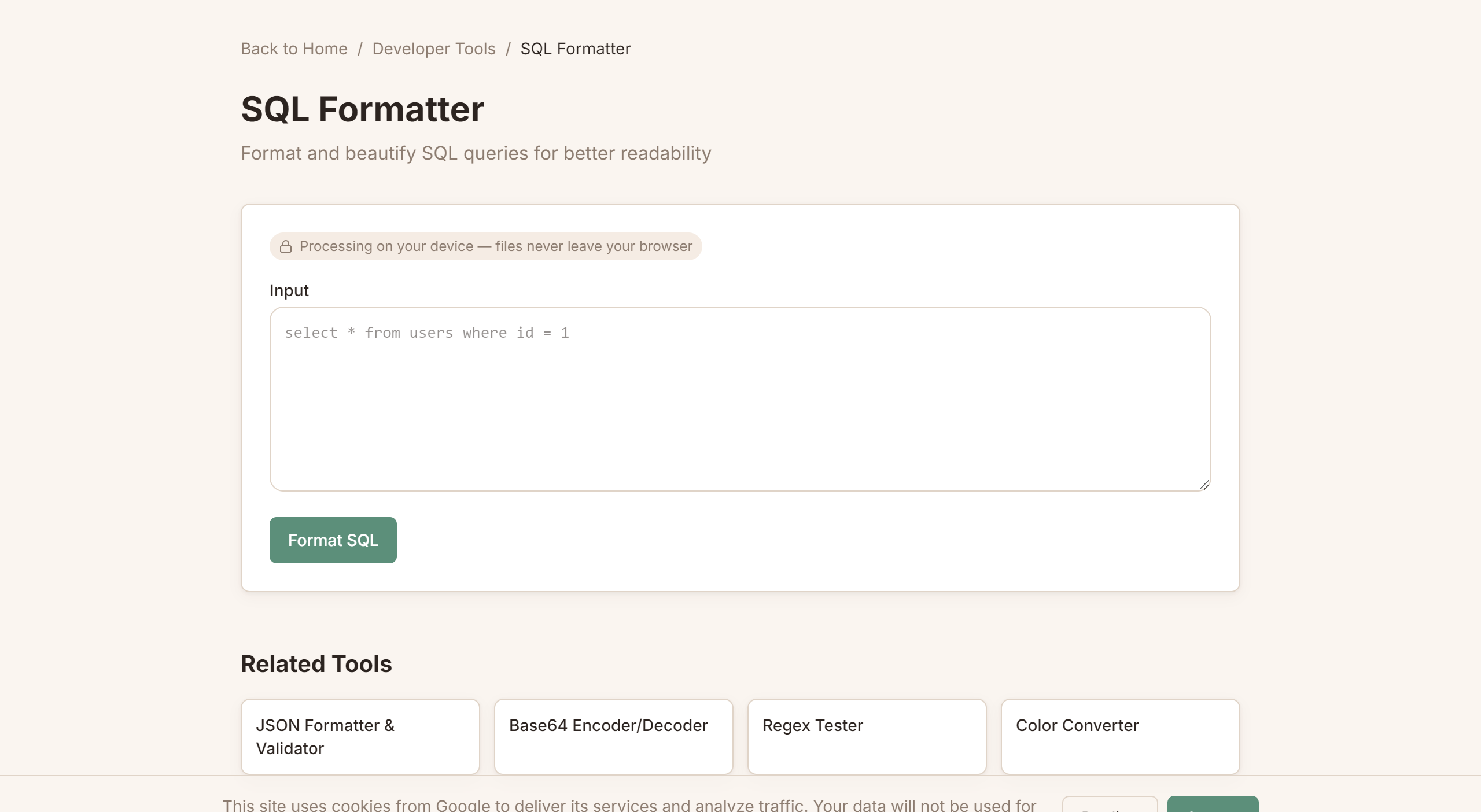
The ToolboxPro SQL Formatter is a free, browser-based tool that instantly beautifies SQL queries. Here's how to use it effectively.
Step 1: Paste Your Query
Copy your raw SQL from your IDE, terminal, or database client and paste it into the formatter. It doesn't matter if the query is a single line, has inconsistent spacing, or uses mixed casing — the formatter handles all of it.
Step 2: Click Format
The formatter parses your SQL using a proper SQL parser (not just string manipulation), then outputs a consistently formatted version with proper indentation, keyword casing, and line breaks.
Step 3: Review and Adjust
The formatted output preserves your original logic. Review it to ensure the structure matches your intent. If a query uses unusual nesting or complex CTEs, you may want to manually adjust indentation for clarity.
Common Formatting Tasks
Here are before-and-after examples of what the formatter handles:
Before (unformatted):
select u.id,u.name,u.email,o.id,o.total,o.created_at from users u inner join orders o on u.id=o.user_id where o.created_at > '2026-01-01' and o.total > 100 order by o.total desc limit 50After (formatted):
SELECT
  u.id,
  u.name,
  u.email,
  o.id,
  o.total,
  o.created_at
FROM users u
  INNER JOIN orders o ON u.id = o.user_id
WHERE
  o.created_at > '2026-01-01'
  AND o.total > 100
ORDER BY o.total DESC
LIMIT 50
The formatted version reveals the query's structure immediately: it's joining users to orders, filtering by date and amount, and returning the top 50 most expensive recent orders. Without formatting, you'd have to mentally parse the entire line to understand this.
SQL Formatting Across Different Dialects
Not all SQL is created equal. Different database systems have slight syntax variations that affect how queries should be formatted.
MySQL
MySQL uses backticks for identifier quoting (\table_name\`) and supports LIMIT directly. It also has non-standard syntax like IFNULL() and GROUP_CONCAT()`. When formatting MySQL queries, ensure the formatter preserves backtick quoting and handles MySQL-specific functions.
PostgreSQL
PostgreSQL uses double quotes for identifiers ("table_name") and supports advanced features like CTEs (Common Table Expressions), window functions, and lateral joins. CTEs especially benefit from formatting — a query with multiple CTEs and a final SELECT can be 100+ lines, and consistent indentation makes the dependency chain clear.
SQL Server (T-SQL)
T-SQL uses square brackets for identifiers ([table_name]) and has unique syntax like TOP N instead of LIMIT, ISNULL() instead of COALESCE(), and PIVOT/UNPIVOT operators. Formatters need to handle bracket-quoted identifiers without breaking them.
SQLite
SQLite is lenient with types and has minimal syntax. Its simplicity means formatting is mostly about structural clarity rather than dialect-specific concerns. The ToolboxPro SQL Formatter handles all major dialects correctly.
Advanced Formatting: CTEs, Subqueries, and Window Functions
As queries grow in complexity, formatting becomes even more critical. Here's how to handle the most challenging structures.
Common Table Expressions (CTEs)
CTEs (introduced in the WITH clause) let you break complex queries into named, logical blocks. Each CTE should be formatted as a complete mini-query, separated by commas:
WITH active_users AS (
  SELECT
    user_id,
    COUNT(*) AS order_count,
    SUM(total) AS lifetime_value
  FROM orders
  WHERE created_at > NOW() - INTERVAL '1 year'
  GROUP BY user_id
),
top_products AS (
  SELECT
    product_id,
    SUM(quantity) AS units_sold
  FROM order_items
  GROUP BY product_id
  ORDER BY units_sold DESC
  LIMIT 10
)
SELECT
  u.name,
  au.order_count,
  au.lifetime_value
FROM active_users au
  INNER JOIN users u ON u.id = au.user_id
ORDER BY au.lifetime_value DESC;
Notice how each CTE is self-contained and independently readable. This formatting pattern makes it easy to test individual CTEs in isolation.
Window Functions
Window functions (like ROW_NUMBER(), RANK(), LEAD(), LAG()) add another layer of complexity. Format the OVER clause on a new line with its components indented:
SELECT
  department,
  employee_name,
  salary,
  ROW_NUMBER() OVER (
    PARTITION BY department
    ORDER BY salary DESC
  ) AS rank_in_dept
FROM employees;
Nested Subqueries
When subqueries are unavoidable, indent each nesting level consistently:
SELECT *
FROM (
  SELECT
    user_id,
    COUNT(*) AS order_count
  FROM orders
  WHERE order_id IN (
    SELECT order_id
    FROM order_items
    WHERE product_id = 42
  )
  GROUP BY user_id
) AS user_stats
WHERE order_count > 5;
The ToolboxPro SQL Formatter handles nested structures automatically, maintaining consistent indentation at every level.
Tips for Writing Better SQL from the Start
While formatting tools clean up existing queries, building good habits from the start saves time:
Related Tools
Try it yourself with our free online tool:
Try Format SQL Queries Online: Best Practices and Tools →