Password Strength Checker: How Secure Is Your Password?
Test password strength instantly. Analyze length, complexity, and resistance to brute-force attacks. Learn how to create unbreakable passwords.
Why Password Strength Matters
Every day, thousands of accounts are compromised because of weak passwords. According to cybersecurity reports:
Your password is the first line of defense. Understanding what makes a password strong — and how to test it — is essential for staying safe online.
How Password Strength Is Measured
Entropy (Bit Strength)
Password strength is measured in bits of entropy. Each bit doubles the number of possible guesses:
| Entropy | Strength | Time to Crack |
|---|---|---|
| < 28 bits | Very Weak | Instant |
| 28-35 bits | Weak | Minutes to hours |
| 36-59 bits | Moderate | Days to years |
| 60-127 bits | Strong | Centuries |
| 128+ bits | Very Strong | Millions of years |
Our Scoring System
Our Password Strength Checker analyzes several factors:
| Factor | Weight | What We Check |
|---|---|---|
| Length | High | Total character count |
| Character Variety | High | Uppercase, lowercase, digits, symbols |
| Patterns | Medium | Keyboard patterns, repeated chars, sequences |
| Dictionary Words | High | Common words, passwords, and phrases |
| Leaked Password Check | Medium | Comparison against known breach databases (hashed) |
Visual Feedback
The tool provides real-time feedback:
Common Password Mistakes
1. Too Short
A 6-character password, even with symbols, can be cracked in minutes.
\\\`
A7$b2! — 6 chars, looks complex but ~28 bits (WEAK)
\\\`
2. Common Substitutions
"P@ssw0rd" is not creative. Hackers know these substitutions:
| Letter | Substitution |
|---|---|
| a | @, 4 |
| s | $, 5, z |
| o | 0 |
| e | 3 |
| i | 1, ! |
| t | 7 |
3. Personal Information
Never use:
4. Reusing Passwords
If one site is breached and you reuse passwords, all your accounts are at risk.
5. Keyboard Patterns
"qwerty", "asdfgh", "zxcvbn", and "1qaz2wsx" are instantly detected.
How to Create a Strong Password
Method 1: Random Passwords (Best)
Use a password manager to generate:
\\\`
K8#mP$2vN!qR7xL@
\\\`
This 16-character random string has ~104 bits of entropy.
Method 2: Passphrases (Memorable)
Combine random words with separators:
\\\`
Correct-Horse-Battery-Staple!
Blue-Elephant-Dances-At-Midnight
\\\`
A 5-word passphrase has ~65 bits of entropy — very strong and easy to remember.
Method 3: Pattern-Based (Less Secure)
Use a sentence you'll remember:
"I first visited Paris in 2024!" → \IfvPi2024!\
This is better than most passwords but not as strong as random generation.
Password Guidelines by Use Case
| Account Type | Minimum Length | Requirements | Example |
|---|---|---|---|
| Social Media | 10+ chars | Mixed case + digits | BlueFrog$42Jump |
| 12+ chars | Mixed + digits + symbol | MyM@ilP@ss99! | |
| Banking | 14+ chars | Maximum complexity | B@nk!$S3cur3#2026 |
| Password Manager | 16+ chars | Full random | gH7#mK2$pR9!vL4$xQ |
| Admin Accounts | 20+ chars | Full random + 2FA | J8&zN3$wQ6!cF1%vB0@x |
Two-Factor Authentication (2FA)
Even the strongest password benefits from 2FA. Types:
| Method | Security | Convenience |
|---|---|---|
| SMS Code | Low (SIM swap risk) | High |
| Authenticator App (TOTP) | High | Medium |
| Hardware Key (FIDO2) | Very High | Low |
| Biometrics | Medium | High |
Always enable 2FA on email, banking, and password manager accounts.
Password Managers
Why Use One
Recommended Options
| Service | Free Tier | Features |
|---|---|---|
| Bitwarden | Yes | Open source, all platforms |
| 1Password | No | Polished UX, travel mode |
| KeePassXC | Yes | Local-only, no cloud |
| Apple Keychain | Yes (Apple devices) | Built-in, seamless |
How We Check Passwords Safely
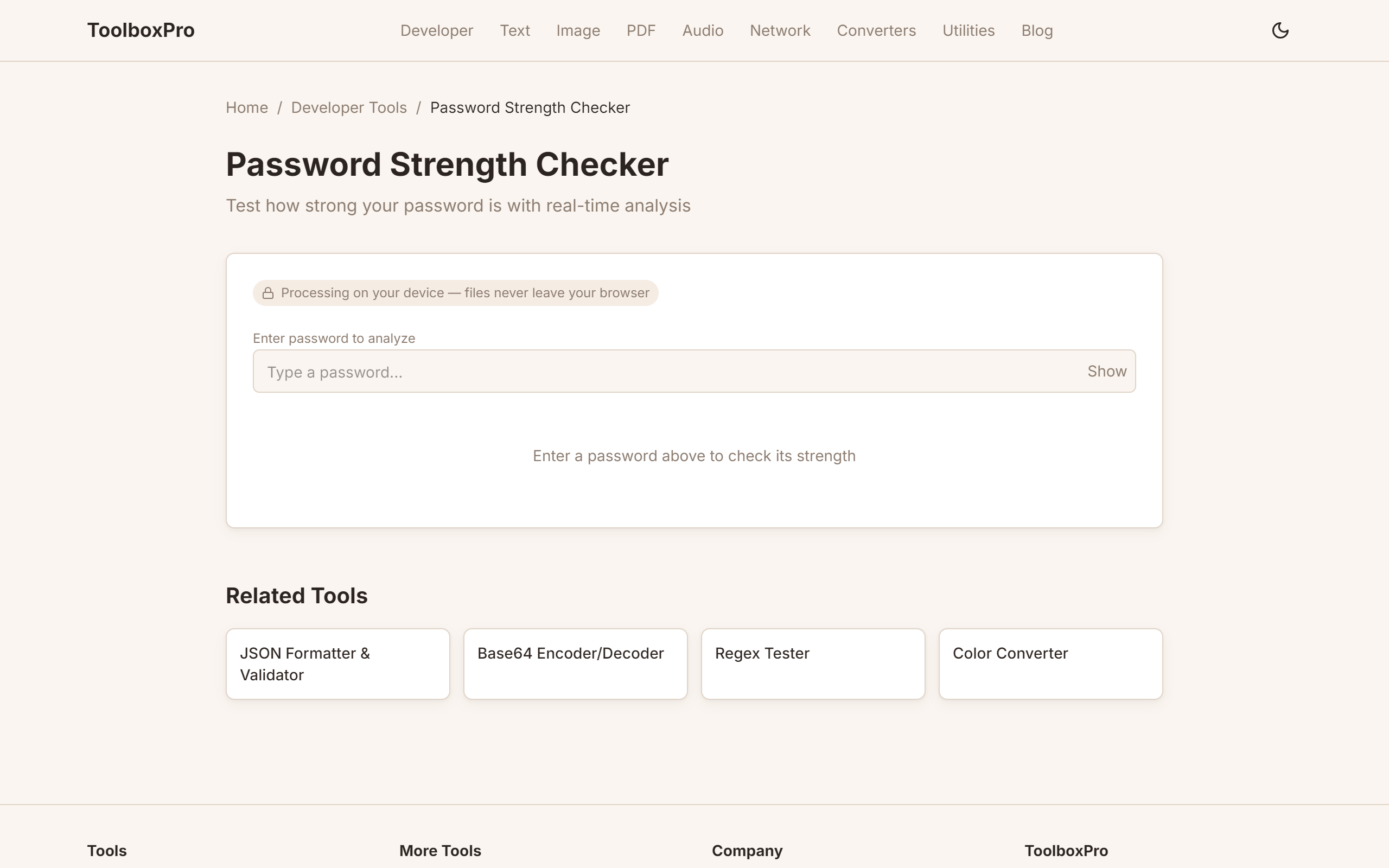
Your password never leaves your device. Our tool:
1. Runs entirely in your browser using JavaScript
2. Analyzes patterns, length, and character variety locally
3. Checks against a bloom filter of known leaked passwords (loaded as an encrypted, compressed dataset)
4. Shows results instantly without network transmission
We never store, log, or transmit your password. Not even temporarily.
FAQ
What is the most secure password length? 16+ characters with full randomness. Each additional character exponentially increases cracking time.
Are password managers safe? Yes — they encrypt your vault with a strong master password. Using a password manager is vastly more secure than reusing weak passwords across sites.
How often should I change my password? Only change when: (1) you suspect it's compromised, (2) the service reports a breach, or (3) you shared it with someone. Regular forced changes are no longer recommended by security experts (NIST guidelines).
What does "pwned" mean? Your password has appeared in a known data breach. Change it immediately and use a unique password for that account.
Can I use spaces in passwords? Yes — most systems allow spaces. Passphrases with spaces are excellent. Some legacy systems may strip them, so test first on important accounts.
Advanced Tips
Password Manager Comparison
A password manager is the single highest-ROI security tool you can adopt. It generates strong, unique passwords for every site and fills them automatically — you only remember one master password. Here's how the major options compare:
Whichever you choose, enable the browser extension for auto-fill and use the password generator for every new account. Never reuse a password across sites.
Two-Factor Authentication (2FA) Setup Guide
2FA adds a second verification step beyond your password. Even if your password leaks, attackers can't log in without the second factor.
Step 1 — Choose an authenticator app over SMS. SMS codes are vulnerable to SIM-swapping attacks, where an attacker convinces your carrier to port your number to their device. Use TOTP apps like Aegis (Android, open-source), Raivo (iOS), or 2FAS (cross-platform). These generate 30-second codes locally — no network needed.
Step 2 — Save backup codes. Every service that offers 2FA also provides one-time backup codes. Print them or store them in your password manager's secure notes. If you lose your phone, these codes are your only way back in.
Step 3 — Consider a hardware key. For critical accounts (email, banking, password manager master), a FIDO2 hardware key (YubiKey, Google Titan) provides phishing-resistant 2FA. The key verifies the domain, so even a convincing fake login page can't capture your second factor. Hardware keys cost $25–50 and last for years.
Checking for Password Leaks
Use Have I Been Pwned (haveibeenpwned.com) — enter your email address to see which data breaches have exposed it. For password checking without sending the actual password to any server, use HIBP's Pwned Passwords API with the k-anonymity model: only the first 5 characters of the password's SHA-1 hash are sent, and the server returns all matching suffixes. Your full password never leaves your device. Many password managers (Bitwarden, 1Password) integrate this check natively — they flag any password that appears in known breach databases and prompt you to change it.
Common Mistakes
Real-World Use Cases
Try it yourself with our free online tool:
Try Password Strength Checker: How Secure Is Your Password? →