Binary, Hex, Decimal: How to Convert Between Number Bases
Learn to convert between binary, hexadecimal, decimal, and octal. Understand place values, conversion algorithms, and practical use cases in programming.
Why Number Base Conversion Matters
Computers think in binary (base 2). Humans prefer decimal (base 10). Programmers use hexadecimal (base 16) as a compact shorthand. If you work with low-level data, you need all three.
Common Number Bases
| Base | Name | Digits | Use Case |
|---|---|---|---|
| 2 | Binary | 0-1 | Machine code, bitwise operations |
| 8 | Octal | 0-7 | File permissions (Unix) |
| 10 | Decimal | 0-9 | Everyday numbers |
| 16 | Hexadecimal | 0-9, A-F | Memory addresses, colors, hashes |
How Number Bases Work
Every number is a sum of digits × base^position. The rightmost digit is position 0.
Decimal Example: 423₁₀
\\\`
4 × 10² = 4 × 100 = 400
2 × 10¹ = 2 × 10 = 20
3 × 10⁰ = 3 × 1 = 3
Sum: 423
\\\`
Binary Example: 11010101₂
\\\`
1 × 2⁷ = 128
1 × 2⁶ = 64
0 × 2⁵ = 0
1 × 2⁴ = 16
0 × 2³ = 0
1 × 2² = 4
0 × 2¹ = 0
1 × 2⁰ = 1
Sum: 213₁₀
\\\`
Conversion Methods
Decimal to Binary (Repeated Division)
Divide by 2 repeatedly, reading remainders from bottom to top:
\\\`
213 ÷ 2 = 106 remainder 1 ↑
106 ÷ 2 = 53 remainder 0 │
53 ÷ 2 = 26 remainder 1 │
26 ÷ 2 = 13 remainder 0 │
13 ÷ 2 = 6 remainder 1 │
6 ÷ 2 = 3 remainder 0 │
3 ÷ 2 = 1 remainder 1 │
1 ÷ 2 = 0 remainder 1 │
Result: 11010101₂
\\\`
Binary to Hexadecimal (Grouping)
Group binary digits into sets of 4 (from right), then convert each group:
\\\`
Binary: 1101 0101
Hex: D 5
Result: 0xD5
\\\`
Hexadecimal to Decimal
\\\`
0xD5 = 13 × 16¹ + 5 × 16⁰
= 208 + 5
= 213₁₀
\\\`
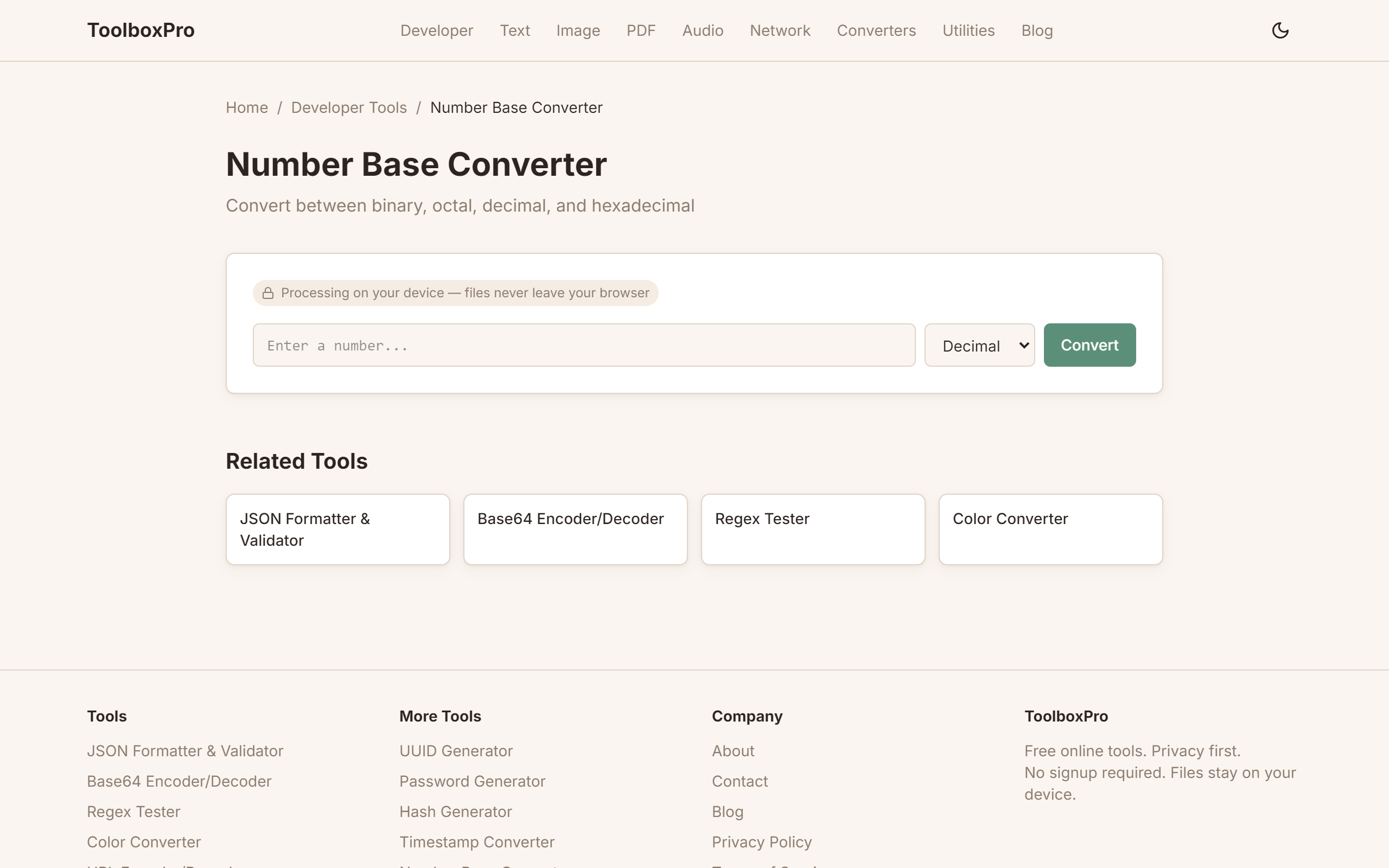
Using the ToolboxPro Converter
Visit our Number Base Converter and:
1. Type any number — it auto-detects the base
2. See all bases simultaneously — binary, octal, decimal, hex side by side
3. Copy any format with one click
4. Works with very large numbers — up to 64-bit values
Practical Use Cases
1. RGB Color Values
\\\`css
/* Hex is shorthand for RGB in base-10 */
#FF5733
/* FF = 255 red, 57 = 87 green, 33 = 51 blue */
background-color: rgb(255, 87, 51);
\\\`
2. Unix File Permissions
\\\`bash
# chmod uses octal
chmod 755 script.sh
# 7 = rwx (owner), 5 = r-x (group), 5 = r-x (others)
# 7 in octal = 111 in binary = read + write + execute
\\\`
3. Bitwise Flags
\\\`javascript
// Each bit is a flag
const READ = 0b0001; // 1
const WRITE = 0b0010; // 2
const EXECUTE = 0b0100; // 4
const permissions = READ | WRITE; // 0b0011 = 3
const canRead = permissions & READ; // 0b0001 = true
\\\`
4. Memory Addresses
\\\`c
// Debuggers show addresses in hex
int *ptr = malloc(64);
printf("%p", ptr); // 0x7ffeefbff5e0
\\\`
5. Network MAC Addresses
\\\`
MAC: 00:1A:2B:3C:4D:5E
Each pair is one byte (0-255 in decimal, 00-FF in hex)
First 3 bytes: vendor ID, Last 3 bytes: device ID
\\\`
Common Conversion Table
| Decimal | Binary | Hex | Octal |
|---|---|---|---|
| 0 | 0000 | 0 | 0 |
| 1 | 0001 | 1 | 1 |
| 2 | 0010 | 2 | 2 |
| 3 | 0011 | 3 | 3 |
| 4 | 0100 | 4 | 4 |
| 5 | 0101 | 5 | 5 |
| 6 | 0110 | 6 | 6 |
| 7 | 0111 | 7 | 7 |
| 8 | 1000 | 8 | 10 |
| 9 | 1001 | 9 | 11 |
| 10 | 1010 | A | 12 |
| 11 | 1011 | B | 13 |
| 12 | 1100 | C | 14 |
| 13 | 1101 | D | 15 |
| 14 | 1110 | E | 16 |
| 15 | 1111 | F | 17 |
FAQ
What base do computers actually use? Binary (base 2). Every value in memory — numbers, text, images — is ultimately stored as sequences of 0s and 1s.
Why do programmers use hex? Hex is a human-readable shorthand for binary. One hex digit = 4 binary digits. It's much easier to read \0xFF\ than \0b11111111\.
What about base64? Base64 uses 64 characters (A-Z, a-z, 0-9, +, /) and is used for encoding binary data as text — see our Base64 Encoder/Decoder.
Is there a base higher than hex? Yes — base32, base36, base58 (Bitcoin addresses), and base64 are common. Our tool handles bases 2 through 36.
Bitwise Operations: The Foundation
Number base conversion is tightly connected to bitwise operations — the manipulation of individual bits within a binary number. Understanding bit manipulation makes you a more effective programmer, especially in systems programming, embedded development, and performance-critical code.
Essential Bitwise Operators
| Operator | Symbol (JS/C/Python) | Example | Result | ||
|---|---|---|---|---|---|
| AND | `&` | `0b1100 & 0b1010` | `0b1000` (8) | ||
| OR | `\ | ` | `0b1100 \ | 0b1010` | `0b1110` (14) |
| XOR | `^` | `0b1100 ^ 0b1010` | `0b0110` (6) | ||
| NOT | `~` | `~0b1100` | `0b...0011` (inverted) | ||
| Left Shift | `<<` | `0b0001 << 3` | `0b1000` (8) | ||
| Right Shift | `>>` | `0b1000 >> 2` | `0b0010` (2) |
Practical Bit Tricks
// Check if a number is even or odd (faster than modulo)
const isEven = (n) => (n & 1) === 0;

// Swap two values without a temp variable
a ^= b; b ^= a; a ^= b;

// Multiply/divide by powers of 2 (faster on some architectures)
const doubled = value << 1;    // value * 2
const halved  = value >> 1;    // value / 2 (integer division)

// Set, clear, toggle, and check a specific bit
const setBit    = (n, pos) => n | (1 << pos);
const clearBit  = (n, pos) => n & ~(1 << pos);
const toggleBit = (n, pos) => n ^ (1 << pos);
const checkBit  = (n, pos) => (n >> pos) & 1;
Number Base Conversion in Programming
Every programming language provides built-in functions for base conversion. Knowing the idiomatic approach saves time and prevents subtle bugs.
JavaScript
// Decimal to other bases
(255).toString(2);    // "11111111" (binary)
(255).toString(16);   // "ff" (hex)
(255).toString(8);    // "377" (octal)

// Other bases to decimal
parseInt("ff", 16);    // 255
parseInt("11111111", 2); // 255
parseInt("377", 8);    // 255

// Literal prefixes
0xFF   // 255 (hex literal)
0b1111 // 15 (binary literal, ES6+)
0o17   // 15 (octal literal, ES6+)
Python
# Built-in conversion functions
bin(255)   # '0b11111111'
hex(255)   # '0xff'
oct(255)   # '0o377'

# int() with base argument
int("ff", 16)   # 255
int("11111111", 2)  # 255

# Format strings (Python 3.6+)
f"{255:#x}"  # '0xff'
f"{255:#b}"  # '0b11111111'
Color Code Parsing
Hexadecimal color codes are the most common real-world application of base conversion for web developers. Understanding how they work lets you manipulate colors programmatically.
How Hex Colors Work
A hex color like #FF5733 is actually three two-digit hex numbers representing red, green, and blue:
#FF5733
  │ │ │
  │ │ └─ Blue:  0x33 = 51
  │ └─── Green: 0x57 = 87
  └───── Red:   0xFF = 255
Converting Between Hex and RGB in Code
// Hex to RGB
function hexToRgb(hex) {
  const r = parseInt(hex.slice(1, 3), 16);
  const g = parseInt(hex.slice(3, 5), 16);
  const b = parseInt(hex.slice(5, 7), 16);
  return { r, g, b };
}
// hexToRgb('#FF5733') → { r: 255, g: 87, b: 51 }

// RGB to Hex
function rgbToHex(r, g, b) {
  return '#' + [r, g, b]
    .map(x => x.toString(16).padStart(2, '0'))
    .join('');
}
// rgbToHex(255, 87, 51) → '#ff5733'
8-Digit Hex Colors (with Alpha)
Modern CSS supports 8-digit hex: #FF573380. The last two digits (80) represent opacity: 0x80 = 128, which is 128/255 ≈ 50% opacity.
Common Mistakes to Avoid
1. Confusing 0x prefix with the value — 0x10 is 16 in decimal, not 10. The 0x is just a prefix indicating hex; the actual digits are 1 and 0.
2. Forgetting hex letters are case-insensitive — 0xFF and 0xff are identical. Don't write code that treats them differently.
3. Overflowing integer sizes — A 32-bit unsigned integer maxes out at 0xFFFFFFFF (4,294,967,295). Converting a 40-bit hex value to a 32-bit integer produces incorrect results silently in some languages.
Real-World Examples
Debugging Network Packets
When analyzing a network capture (Wireshark, tcpdump), packet data is displayed in hex. Understanding hex lets you read MAC addresses, port numbers, and protocol flags directly from the raw bytes without reaching for a calculator.
Configuring Microcontroller Registers
Embedded developers regularly set hardware registers using hex values. To enable UART with specific baud rate and parity settings, you might write USART1->CR1 = 0x200C; — knowing what each hex digit maps to in binary is essential for getting the configuration right.
Comparison: Manual vs. Tool-Assisted Conversion
| Method | Speed | Accuracy | Learning Value | Best For |
|---|---|---|---|---|
| **Mental math (grouping)** | Medium for small numbers | Error-prone for large values | High (builds intuition) | Learning, interviews |
| **Calculator/Converter tool** | Instant | Perfect | Low | Daily work, verification |
| **Programming functions** | Instant | Perfect | Medium | Automation, scripts |
| **Pen and paper (long division)** | Slow | High if careful | Very high (deep understanding) | Exams, teaching |
Recommendation: Learn manual conversion to build fundamental understanding, then use a converter tool or programming function for all real work. Reach for mental conversion only for values under 256 (one byte) — beyond that, tools are faster and more reliable.
Try it yourself with our free online tool:
Try Binary, Hex, Decimal: How to Convert Between Number Bases →