HTML to JSX Converter: Migrating from HTML to React Components
Convert plain HTML to JSX instantly. Learn the key differences between HTML and JSX, common migration pitfalls, and how to convert entire pages to React components.
HTML vs JSX: What's the Difference?
JSX (JavaScript XML) looks like HTML but has important differences. If you're migrating a static site to React, you'll encounter these immediately:
1. className Instead of class
<!-- HTML -->
<div class="container">Hello</div>{/* JSX */}
<div className="container">Hello</div>class is a reserved word in JavaScript, so React uses className.
2. Self-Closing Tags Require a Slash
<!-- HTML - valid without slash -->
<img src="photo.jpg" alt="Photo">
<input type="text">
<br>{/* JSX - must self-close */}
<img src="photo.jpg" alt="Photo" />
<input type="text" />
<br />3. CamelCase Attributes
<!-- HTML -->
<button onclick="handleClick()">Click</button>
<input maxlength="10" tabindex="1">
<video autoplay controls>{/* JSX */}
<button onClick={handleClick}>Click</button>
<input maxLength={10} tabIndex={1} />
<video autoPlay controls />4. Attribute Expressions Use Curly Braces
<!-- HTML - static strings -->
<div style="color: red; font-size: 16px;">
<img src="logo.png" width="200">{/* JSX - JavaScript expressions in braces */}
<div style={{ color: 'red', fontSize: 16 }}>
<img src={logoUrl} width={200} />Notice the double braces on style — the outer braces are for JSX expressions, the inner braces create a JavaScript object.
How to Convert HTML to JSX
Using ToolboxPro
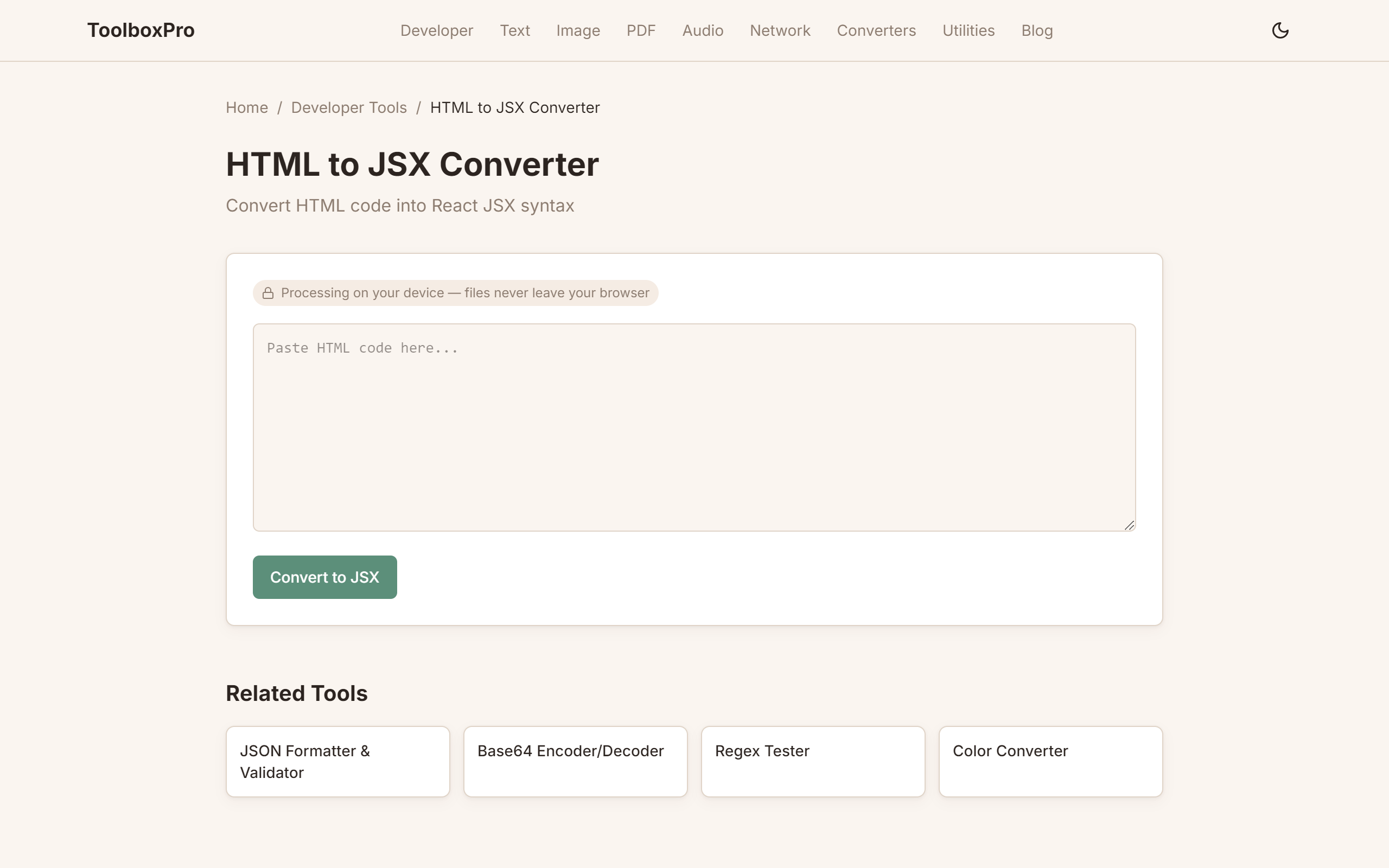
Visit our HTML to JSX Converter and:
1. Paste your HTML in the input area
2. Click Convert — see JSX output instantly
3. Copy the result for use in your React component
Step-by-Step Manual Conversion
Let's convert a full card component:
<!-- Original HTML -->
<div class="card" id="card-1">
<img src="https://example.com/img.jpg" class="card-image" alt="Card image">
<div class="card-body">
<h2>Card Title</h2>
<p>This is a description of the card content.</p>
<a href="/details" class="btn" onclick="navigate()">Learn More</a>
</div>
</div>// Converted JSX component
function Card({ imageUrl, title, description }) {
return (
<div className="card" id="card-1">
<img src={imageUrl} className="card-image" alt="Card image" />
<div className="card-body">
<h2>{title}</h2>
<p>{description}</p>
<a href="/details" className="btn" onClick={() => navigate()}>
Learn More
</a>
</div>
</div>
);
}Common Migration Patterns
Inline Styles
// HTML: <div style="background-color: #f0f0f0; padding: 20px;">
// JSX:
<div style={{
backgroundColor: '#f0f0f0',
padding: 20,
}}>Properties are camelCase. Values are strings for CSS text, numbers for pixel values (unless you want a unit like '20px').
Conditional Classes
// HTML: <div class="card active">
// JSX with condition:
<div className={`card ${isActive ? 'active' : ''}`}>
// Or use: classnames library
<div className={cx('card', { active: isActive })}>Event Handlers
// HTML: <button onclick="submitForm()">
// JSX:
<button onClick={submitForm}> {/* Pass function reference */}
<button onClick={() => submitForm()}> {/* Or inline arrow */}
// HTML: <form onsubmit="return validate()">
// JSX:
<form onSubmit={(e) => {
e.preventDefault();
validate();
}}>For and Label
<!-- HTML -->
<label for="email">Email:</label>
<input type="email" id="email" name="email">{/* JSX — htmlFor instead of for */}
<label htmlFor="email">Email:</label>
<input type="email" id="email" name="email" />Converting an Entire Page
When migrating a full HTML page to React:
1. Split into components — header, footer, sidebar, main content
2. Convert each HTML section using our HTML to JSX Converter
3. Add props — replace static content with dynamic data
4. Add state management — replace inline onclick handlers with proper React state
function Page({ user, posts }) {
return (
<div className="page">
<Header user={user} />
<main className="main-content">
<Sidebar categories={posts.categories} />
<PostList posts={posts.items} />
</main>
<Footer />
</div>
);
}FAQ
Can I use HTML directly in .jsx files? No — JSX files must follow JSX syntax rules. Use our converter to transform HTML first.
What about inline event handlers like onclick="alert()"? These become onClick={() => alert()} in JSX. The value must be a function expression, not a string.
Does JSX support all HTML attributes? Most, but with renamed versions: class → className, for → htmlFor, tabindex → tabIndex, autofocus → autoFocus.
Can I use SVG in JSX? Yes, but SVG attributes also need camelCase: stroke-width → strokeWidth, clip-path → clipPath.
What about dangerouslySetInnerHTML? Use it sparingly for raw HTML strings. It bypasses React's XSS protection. Our converter warns you when it encounters inline HTML that needs this treatment.
Try it yourself with our free online tool:
Try HTML to JSX Converter: Migrating from HTML to React Components →