DNS Lookup Tool: How to Query DNS Records for Any Domain
Look up DNS records including A, AAAA, CNAME, MX, NS, TXT, and SOA. Diagnose DNS issues and verify domain configuration.
What is DNS?
The Domain Name System (DNS) is the phonebook of the internet. When you type \example.com\ into your browser, DNS translates that human-readable name into a machine-readable IP address like \93.184.216.34\.
Without DNS, you'd need to memorize IP addresses for every website you visit. DNS works silently in the background, typically in milliseconds.
Why Perform a DNS Lookup?
DNS lookups help you:
Types of DNS Records
A Record (Address)
Maps a domain to an IPv4 address:
\\\`
example.com → 93.184.216.34
\\\`
This is the most fundamental record type. Every website needs at least one A record.
AAAA Record (IPv6 Address)
Same as A record, but for IPv6 addresses:
\\\`
example.com → 2606:2800:220:1:248:1893:25c8:1946
\\\`
CNAME Record (Canonical Name)
Aliases one domain to another:
\\\`
www.example.com → example.com
\\\`
The alias domain inherits all DNS settings from the target.
MX Record (Mail Exchange)
Specifies mail servers for the domain:
| Priority | Mail Server |
|---|---|
| 10 | mail.example.com |
| 20 | backup-mail.example.com |
Lower priority numbers are tried first.
NS Record (Name Server)
Identifies authoritative DNS servers:
\\\`
example.com → ns1.example.com, ns2.example.com
\\\`
TXT Record (Text)
Stores arbitrary text data, commonly used for:
SOA Record (Start of Authority)
Contains administrative information:
| Field | Meaning |
|---|---|
| MNAME | Primary name server |
| RNAME | Admin email address |
| Serial | Version number (increment for changes) |
| Refresh | How often to check for updates |
| Retry | How long to wait after a failed refresh |
| Expire | When to stop using the zone if no updates |
| Minimum TTL | Default cache duration |
How to Perform a DNS Lookup
Using ToolboxPro
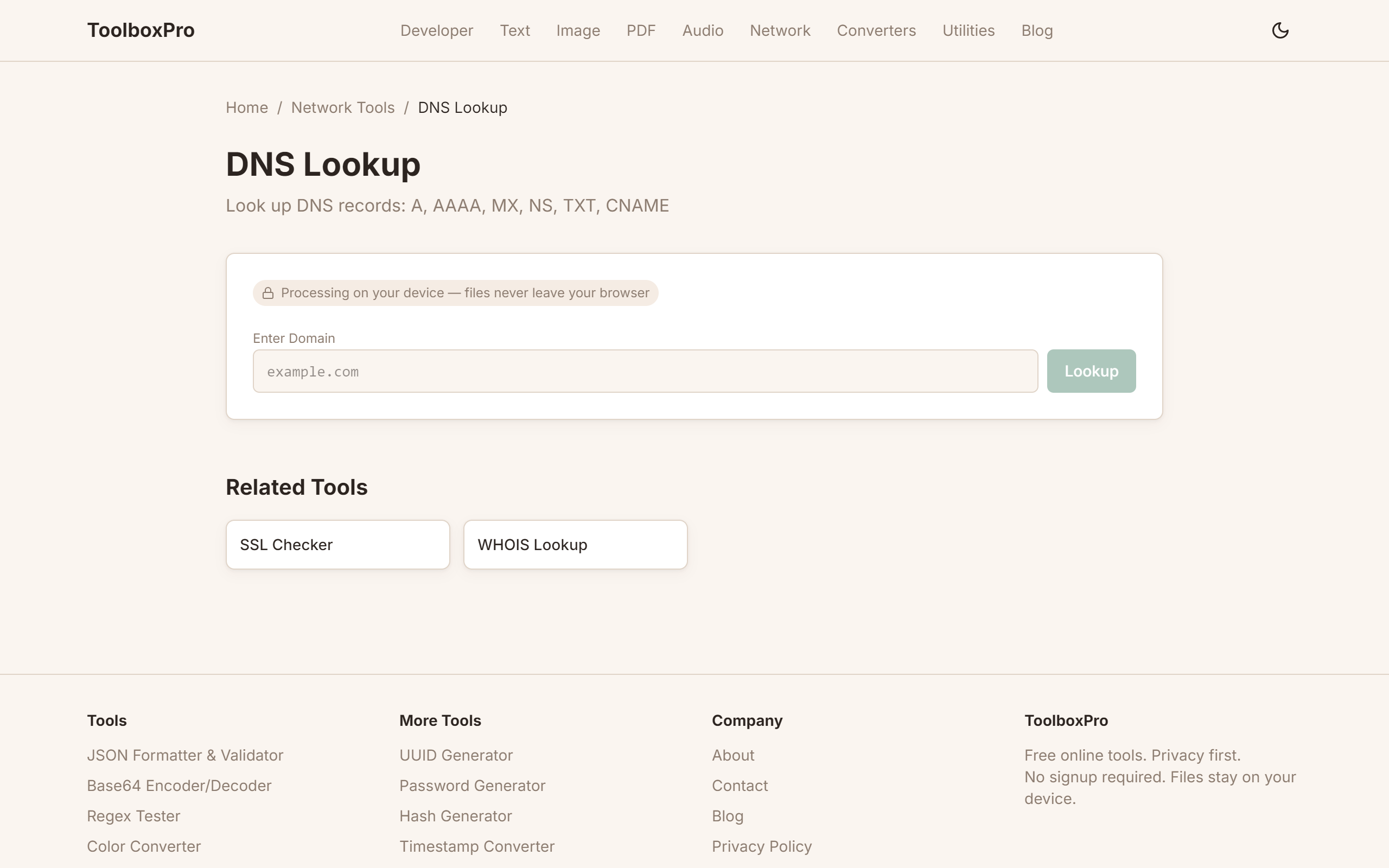
Visit our DNS Lookup Tool.
Step 1: Enter a domain
\\\`
example.com
google.com
github.com
\\\`
Step 2: Select record type (optional)
By default, the tool returns all common record types. You can filter to see only:
Step 3: Click Lookup
Results appear in a structured table within 1-2 seconds.
Step 4: Analyze results
Each record shows:
Understanding TTL (Time To Live)
TTL tells DNS resolvers how long to cache a record before checking for updates.
| TTL Value | Cache Duration | Use Case |
|---|---|---|
| 300 (5 min) | Short | Migration/testing, change frequently |
| 3600 (1 hour) | Medium | Standard production |
| 86400 (24 hours) | Long | Stable records, rarely change |
| 604800 (7 days) | Very long | SOA records, NS records |
Lower TTL before planned changes. If you're migrating servers, reduce TTL to 300 seconds at least 24 hours before the change. This ensures the old records expire quickly when you switch.
Common DNS Issues
Propagation Delay
After changing DNS records, it takes time to propagate worldwide. Factors:
Typical propagation: 1-48 hours. Using our lookup tool from different locations helps confirm propagation.
Missing Records
Common mistakes:
| Symptom | Likely Cause |
|---|---|
| Website not loading | Missing or wrong A/AAAA record |
| Email not delivering | Missing or incorrect MX records |
| Emails marked as spam | Missing SPF/DKIM/DMARC TXT records |
| Subdomain not working | Missing CNAME record |
DNS Resolution Failure
If a lookup returns no results:
1. Check that the domain is registered and active
2. Verify nameservers are correct and responding
3. Confirm the specific record exists
4. Check for DNSSEC validation issues
DNS and Security
DNSSEC
DNS Security Extensions add cryptographic signatures to DNS records, preventing DNS spoofing and cache poisoning. Our tool shows whether a domain has DNSSEC enabled.
SPF, DKIM, and DMARC
These three TXT records protect your domain from email spoofing:
| Record | Purpose |
|---|---|
| SPF | Lists authorized mail servers |
| DKIM | Provides cryptographic verification |
| DMARC | Tells receivers how to handle unauthenticated email |
Example SPF record:
\\\`
v=spf1 include:_spf.google.com ~all
\\\`
This says: "Only Google's servers can send email for this domain. Others should be marked as suspicious (~all)."
FAQ
What's the difference between public DNS and authoritative DNS? Public DNS resolvers (like Google 8.8.8.8) answer queries from users. Authoritative DNS servers hold the actual zone records. Our tool queries authoritative servers for the most accurate results.
Can I look up DNS for internal/private domains? No — private DNS zones that aren't published to public DNS servers won't be visible. Use local command-line tools (nslookup or dig) pointed at your internal resolver.
Advanced Tips
DNS Propagation: What Really Happens
"DNS propagation" is a widely misunderstood term. There is no global push — it's pull-based caching. When you change a DNS record, recursive resolvers around the world keep serving the old cached value until the TTL (Time to Live) expires. If your previous TTL was 3600 seconds (1 hour), most resolvers will pick up the change within an hour. But some ISPs and public resolvers ignore TTL and cache longer — Cloudflare's 1.1.1.1 generally respects TTL, while some cellular providers cache aggressively to reduce lookup traffic.
Before a planned migration, lower your TTL to 300 seconds (5 minutes) at least 24 hours in advance. This ensures that by the time you flip the switch, resolvers worldwide are already checking back frequently. After the migration is confirmed stable, raise the TTL back to 3600 or higher to reduce lookup latency.
Use whatsmydns.net or dig @8.8.8.8 example.com from multiple regions to track propagation in real time. If you see inconsistent results across regions after the TTL window, some resolver is caching aggressively — there's nothing you can do except wait.
TTL Settings Best Practices
DNSSEC Basics
DNSSEC adds cryptographic signatures to DNS records, preventing cache poisoning and spoofing attacks. When enabled, the authoritative server signs each record with a private key. Resolvers verify signatures using the public key published in the DNS zone, chained back to the root's trust anchor.
To check if a domain has DNSSEC enabled: dig +dnssec example.com — look for the ad flag (Authenticated Data) in the response. Enable DNSSEC through your registrar or DNS provider (Cloudflare, Route 53, and most major providers support it with one click). You'll get DS (Delegation Signer) records to publish at the parent zone. Never let DNSSEC keys expire — expired keys take your domain offline for DNSSEC-validating resolvers (which now include most major ISPs).
Common Mistakes
Real-World Use Cases
Try it yourself with our free online tool:
Try DNS Lookup Tool: How to Query DNS Records for Any Domain →