10 Best Free Online Tools for Developers (2026)
Essential free online tools every developer needs: JSON formatter, regex tester, Base64 encoder, color converter, and more.
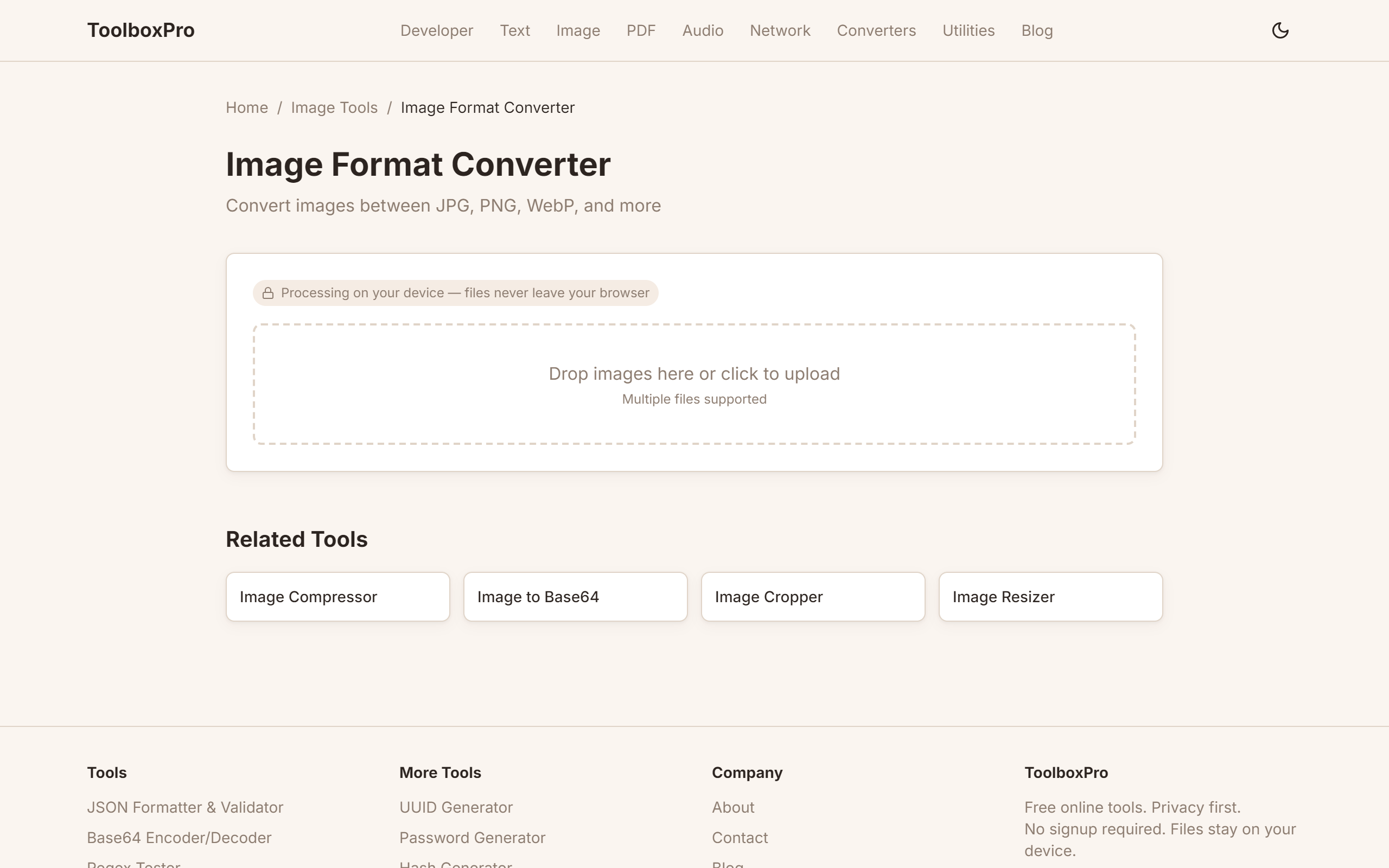
Developer Tools Roundup: 20+ Free Online Utilities Every Coder Needs
Whether you're a seasoned backend engineer or a frontend developer just starting out, you spend a surprising amount of time on tasks that aren't writing code: formatting JSON, decoding Base64, tweaking hex colors, escaping URLs, or testing a regex pattern before dropping it into your application. This roundup covers the essential free online tools that will save you hours every week.
The Core Toolkit: What Every Developer Needs
Every developer's browser bookmarks should include a handful of indispensable utilities. These are the tools you reach for multiple times a day — quick, reliable, and focused on a single job:
You can find all of these (and more) in one place at our developer tools hub. Each tool is designed to be fast, private (no data sent to a server), and usable offline.
Deep Dive: JSON Tools
JSON is the lingua franca of modern APIs, and you'll work with it constantly. A good JSON tool does more than just pretty-print:
| Feature | Why It Matters |
|---|---|
| Syntax validation | Catches trailing commas, missing brackets, and invalid UTF-8 before your parser throws a cryptic error |
| Tree view | Collapse/expand nested objects to navigate deep API responses |
| Minification | Strip whitespace to reduce payload size for documentation or storage |
| Diff/merge | Compare two JSON documents side by side — invaluable when debugging API response changes |
| JSONPath query | Extract specific values without writing code — \`$.store.books[*].author\` |
| Schema validation | Check your JSON against a JSON Schema to ensure it meets API requirements |
Our JSON tools handle all of these operations. The tree view alone is worth the bookmark — instead of reading raw minified JSON from a console log, you get a collapsible hierarchy with syntax highlighting.
Comparison Table: All-in-One Toolkits
There's no shortage of developer tool websites. Here's how the major options stack up:
| Feature | This Toolkit | DevDocs | Toolbox Pro | Online Utils |
|---|---|---|---|---|
| JSON formatter/validator | ✅ | ❌ | ✅ | ✅ |
| Regex tester with groups | ✅ | ❌ | ✅ (basic) | ✅ |
| Base64 encode/decode | ✅ | ❌ | ✅ | ✅ |
| Color converter (HEX/RGB/HSL) | ✅ | ❌ | ✅ | ❌ |
| URL encoder/decoder | ✅ | ❌ | ✅ | ✅ |
| HTML entity encoder | ✅ | ❌ | ❌ | ✅ |
| JWT decoder | ✅ | ❌ | ❌ | ❌ |
| Crontab generator | ✅ | ❌ | ✅ | ❌ |
| UUID generator | ✅ | ❌ | ✅ | ✅ |
| HTML/CSS/JS minifier | ✅ | ❌ | ✅ | ✅ (separate pages) |
| Works offline (PWA) | ✅ | ❌ | ❌ | ❌ |
| No server upload (privacy) | ✅ | ✅ | ✅ | ❌ |
| Free (no paywall) | ✅ | ✅ | ❌ (limited free) | ✅ (with ads) |
The key differentiator is privacy and offline capability. Any tool that sends your JSON payloads, API keys hidden in JWTs, or proprietary code to a third-party server introduces risk. Tools that run entirely in the browser, like ours, never transmit your data anywhere.
URL Tools and Why Encoding Matters
URL encoding — also called percent encoding — is one of those topics that seems trivial until a mysterious 400 error appears in production. The rules are straightforward but easy to get wrong:
More Essential Tools for 2026
Beyond the core toolkit, these utilities solve problems you'll encounter weekly:
Security and Encoding Tools
Formatting and Conversion Tools
Text and Code Utilities
All of these are available on our tools page and work entirely in your browser.
Productivity Impact: By the Numbers
Using the right tools isn't just convenient — it has measurable ROI:
| Task | Without Tool | With Tool | Time Saved |
|---|---|---|---|
| Formatting minified JSON | ~3 min (manual) | ~3 sec | 98% |
| Debugging a regex pattern | ~10 min (write test script) | ~30 sec (interactive tester) | 95% |
| Decoding a JWT | ~5 min (write Node script) | ~2 sec (paste and read) | 99% |
| Converting hex to RGB | ~30 sec (mental math) | ~1 sec (instant) | 97% |
| Generating 100 test UUIDs | ~2 min (write script) | ~1 sec (bulk generate) | 99% |
Over a year, a developer who performs these tasks 10 times daily saves approximately 250 hours — equivalent to 6 full work weeks.
Keyboard-Driven Workflow
The fastest developers don't click through bookmarks — they use keyboard shortcuts:
1. Pin your tools hub as a fixed browser tab
2. Assign a keyword in your browser's bookmark manager (e.g., type \tb json\ to jump to the JSON formatter)
3. Use the browser address bar as a command palette — many tools support URL parameters for direct input
Tool Selection Decision Tree
When faced with a task, use this framework to pick the right approach:
\\\`
Do I need to transform data once?
├── Yes → Use an online tool (fastest for one-off tasks)
│ ├── Is the data sensitive?
│ │ ├── Yes → Use a client-side tool (no server upload)
│ │ └── No → Any tool is fine
│ └── Will I repeat this 10+ times?
│ ├── Yes → Write a script or alias
│ └── No → Online tool is the right call
└── No (ongoing need) → Integrate into your build/CI pipeline
\\\`
Privacy First
The most overlooked criterion is data privacy. When you paste an API key, a JWT token, or proprietary JSON into a third-party website, that data may be logged, stored, or analyzed. Tools that process everything client-side (in your browser) never transmit your data. This is why all tools on our platform run locally — your data never leaves your machine.
When to Install Locally vs Use Online
| Situation | Best Approach |
|---|---|
| Quick one-off task | Online tool |
| Repeated task in code | CLI tool or library |
| Sensitive data (secrets, PII) | Client-side online tool or local CLI |
| Team-wide standardization | Shared CLI tool + documentation |
| CI/CD pipeline integration | npm package or CLI with exit codes |
Comparison: Online Tools vs Desktop Apps vs CLI
| Factor | Online Tools | Desktop Apps | CLI Tools |
|---|---|---|---|
| Setup time | Zero | 5-10 min install | 1-2 min install |
| Accessibility | Any device, any OS | One machine | Any terminal |
| Speed | Instant (client-side) | Fast | Fast |
| Privacy | Varies (check!) | Full (local) | Full (local) |
| Automation | Limited | Limited | Excellent (scriptable) |
| Best for | One-off tasks, quick lookups | Heavy, repeated use | Pipelines, batch processing |
The ideal setup uses all three: online tools for quick tasks, a CLI for automation, and knowing when to escalate to a full application.
Try it yourself with our free online tool:
Try 10 Best Free Online Tools for Developers (2026) →