Barcode & QR Code Generator: How to Create CODE128, EAN13 & QR Codes Online
Generate professional barcodes for products, inventory, ISBN, and logistics. Supports CODE128, EAN-13, UPC-A, QR codes, and more.
What is a Barcode?
A barcode is a machine-readable representation of data. Traditional 1D barcodes (linear) use parallel lines of varying widths and spacings. 2D barcodes (like QR codes) use patterns of squares, dots, or other geometric shapes.
Barcodes are everywhere — product packaging, shipping labels, library books, hospital wristbands, loyalty cards, and tickets. Each type serves a specific industry and use case.
Common Barcode Types
CODE128
A high-density 1D barcode supporting all 128 ASCII characters. It's the most versatile linear barcode.
Best for: Logistics, shipping labels, inventory management, asset tracking
Character set: A-Z, a-z, 0-9, all punctuation, control characters
Length: Variable (up to ~40 characters for practical scanning)
Checksum: Required (automatic)
CODE128 has three subsets:
EAN-13 (European Article Number)
The standard retail barcode used on virtually every consumer product worldwide (except North America, which uses UPC-A).
Best for: Retail products, grocery items, consumer goods
Character set: 13 digits (12 data + 1 check digit)
Region: International (except US/Canada)
Usage: Sold in stores, supermarket checkout
The first 2-3 digits are country codes (e.g., 690-699 for China, 400-440 for Germany, 50 for UK).
UPC-A (Universal Product Code)
The North American retail standard. Similar to EAN-13 but with 12 digits.
Best for: Products sold in the US and Canada
Character set: 12 digits (11 data + 1 check digit)
Region: United States and Canada
Compatibility: EAN-13 scanners can read UPC-A by adding a leading zero
EAN-8
A compressed version of EAN-13 with only 8 digits, used for small packages where a full EAN-13 won't fit.
Best for: Small items, cosmetics, confectionery
Character set: 8 digits (7 data + 1 check digit)
CODE39
An older 1D standard that supports letters, numbers, and a few special characters. Less dense than CODE128 but widely supported.
Best for: Non-retail uses, government IDs, automotive industry
Character set: A-Z, 0-9, -, ., $, /, +, %, space
Length: Variable
ITF-14 (Interleaved 2 of 5)
Used exclusively for outer cartons and shipping cases, not individual retail items.
Best for: Logistics, wholesale packaging, pallet labels
Character set: 14 digits
Use case: Cartons containing multiple retail units
Data Matrix
A 2D barcode that stores data in a square or rectangular grid. Much smaller than a QR code for the same data.
Best for: Small items, electronics, medical devices
Data capacity: Up to 2,335 alphanumeric characters
Size: As small as 10×10 modules
Error correction: Reed-Solomon (up to 30% damage tolerance)
How to Generate a Barcode
Using ToolboxPro
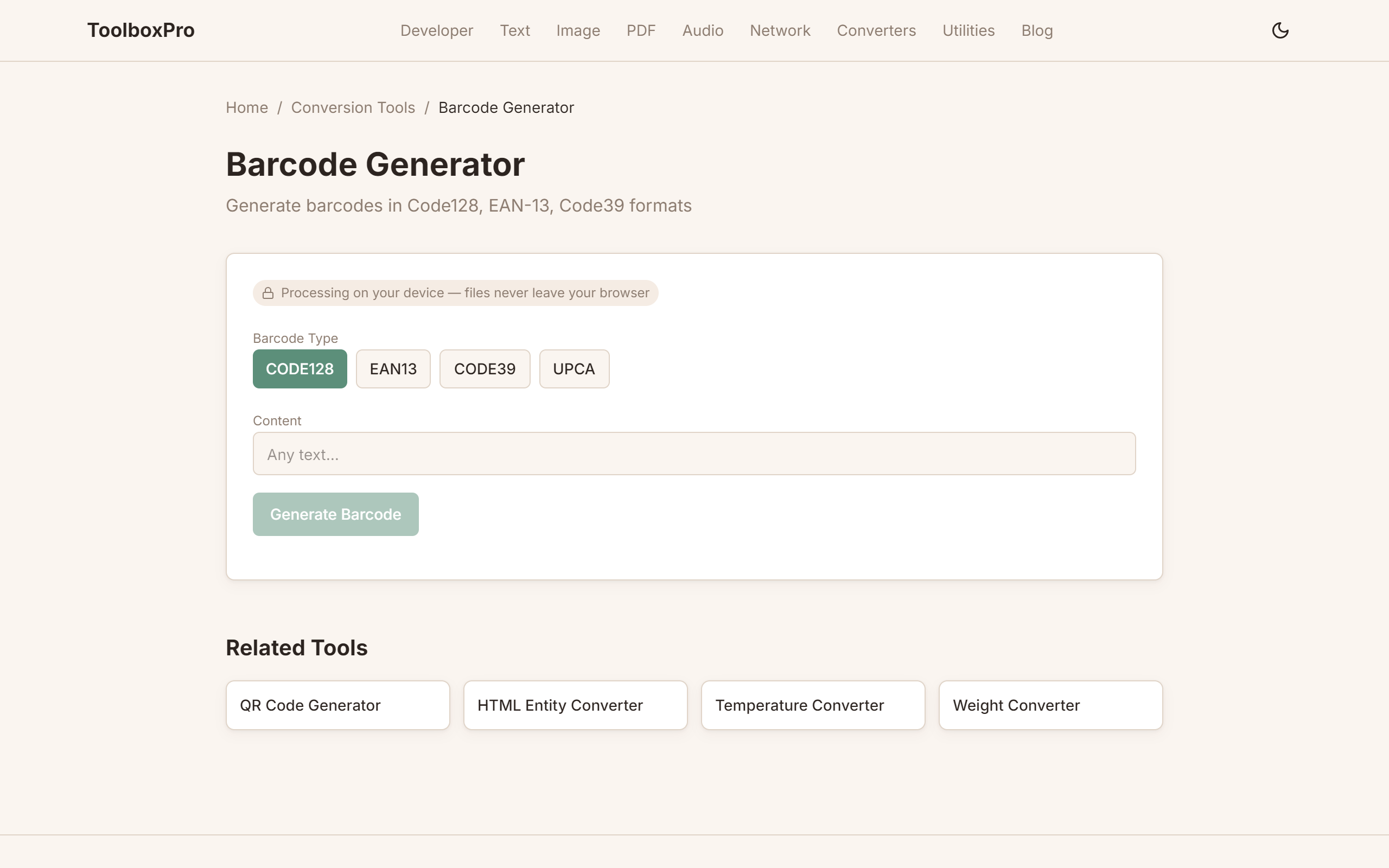
1. Visit our Barcode Generator
2. Choose your barcode type (CODE128, EAN-13, UPC-A, etc.)
3. Enter your data:
- For EAN-13/UPC-A: enter 12 or 13 digits
- For CODE128/CODE39: enter any text
- For EAN-8: enter 7 digits
4. Customize appearance:
- Width — barcode width in pixels
- Height — barcode height in pixels
- Color — bar color (default: black)
- Show text — toggle human-readable text below the barcode
- Font size — size of the text below
5. Click Generate
6. Download as PNG or SVG
SVG vs PNG Output
| Format | Best For | Pros | Cons |
|---|---|---|---|
| PNG | Digital use, email | Universal support, exact rendering | Fixed resolution, larger files |
| SVG | Print, professional use | Infinite scaling, small files, editable | Requires vector-aware software |
For print production (labels, packaging), always use SVG. For digital use, PNG is fine.
Barcode Checksums Explained
Most 1D barcodes include a check digit — a calculated value appended to the data that verifies the barcode was scanned correctly.
EAN-13 Check Digit Calculation
\\\`
Data digits: 5 9 0 1 2 3 4 5 6 7 8 9
Step 1: Sum of odd positions × 1 = 5+0+2+4+6+8 = 25
Step 2: Sum of even positions × 3 = (9+1+3+5+7+9) × 3 = 34 × 3 = 102
Step 3: Total = 25 + 102 = 127
Step 4: Check digit = (10 - (127 mod 10)) mod 10 = (10 - 7) mod 10 = 3
Result: 5901234567893
\\\`
UPC-A Check Digit
Same algorithm as EAN-13 but with 11 data digits instead of 12.
Barcode Best Practices
Size Requirements
| Standard | Minimum Width | Recommended Width | Height |
|---|---|---|---|
| EAN-13 | 29.83 mm | 37.29 mm | 22.85 mm |
| UPC-A | 29.83 mm | 37.29 mm | 22.85 mm |
| CODE128 | Variable | 2" (50 mm) | 0.6" (15 mm) |
Spacing (Quiet Zones)
Every barcode needs blank space on both sides — the quiet zone. For EAN/UPC, this is 11 times the narrow bar width (about 3 mm). Without proper quiet zones, scanners may fail to read the barcode.
Color Contrast
Barcodes work best with dark bars on a light background. The scanner reads the contrast between spaces and bars:
Printing Considerations
1. Print at 300 DPI minimum — lower resolutions blur the thin bars
2. Use matte finishes — glossy paper creates glare that interferes with scanning
3. Test with multiple scanners — a barcode readable by one scanner may fail on another
4. Leave margins — don't place other graphics or text next to the barcode
5. Scale proportionally — stretching or squashing a barcode changes bar widths and breaks scanning
Generating Barcodes Programmatically
\\\`javascript
// Using the JsBarcode library
JsBarcode("#barcode", "Hello World!", {
format: "CODE128",
width: 2,
height: 100,
displayValue: true,
background: "#ffffff",
lineColor: "#000000"
});
\\\`
FAQ
Can I generate barcodes for commercial products? Yes. The barcode generation itself is free. However, to sell products in retail stores, you need a registered GS1 Company Prefix and valid UPC/EAN numbers assigned to your products.
What's the difference between a barcode and a QR code? Barcodes (1D) store data linearly — typically numbers or short text. QR codes (2D) store much more data, including URLs, vCards, and WiFi credentials, in a square matrix.
Can I print barcodes on regular paper? Yes, but laser printers produce sharper barcodes than inkjet. For high-volume scanning, thermal transfer printers are the industry standard.
Why does my barcode not scan? Common causes: insufficient quiet zone, low contrast, printing at too low resolution, distortion from scaling, or check digit mismatch.
What file format is best for professional barcode printing? SVG. It's vector-based, so it scales to any size without quality loss, and professional printing software prefers vector formats.
Try it yourself with our free online tool:
Try Barcode & QR Code Generator: How to Create CODE128, EAN13 & QR Codes Online →